In a world where apps control how we communicate, work, shop, and learn, knowing how to actually use them properly is a superpower. Most people download apps like WhatsApp, Instagram, or Google Maps but never go beyond the basics. The result? Wasted time, frustration, and missed opportunities.
If you’ve ever felt stuck while using an app, you’re not alone. This guide is built differently. Instead of generic tips, it focuses on real problems users face and shows you exactly how to fix them—step by step. Whether you’re a beginner or someone looking to level up your digital skills, this article will help you use apps smarter, faster, and with confidence.
Why Most People Struggle With Apps (And How to Fix It)
The biggest mistake people make is trying to learn everything at once. Modern apps are packed with features, and without direction, it becomes overwhelming.
Here’s what usually goes wrong:
-
Clicking randomly without understanding features
-
Skipping settings that improve performance
-
Ignoring built-in help tools
-
Not updating apps regularly
The fix: Focus on specific problems instead of learning everything. For example, instead of “learning Instagram,” focus on “how to grow followers” or “how to edit reels.”
This mindset shift alone can save hours of frustration.
How to Use WhatsApp Like a Pro (Beyond Basic Messaging)
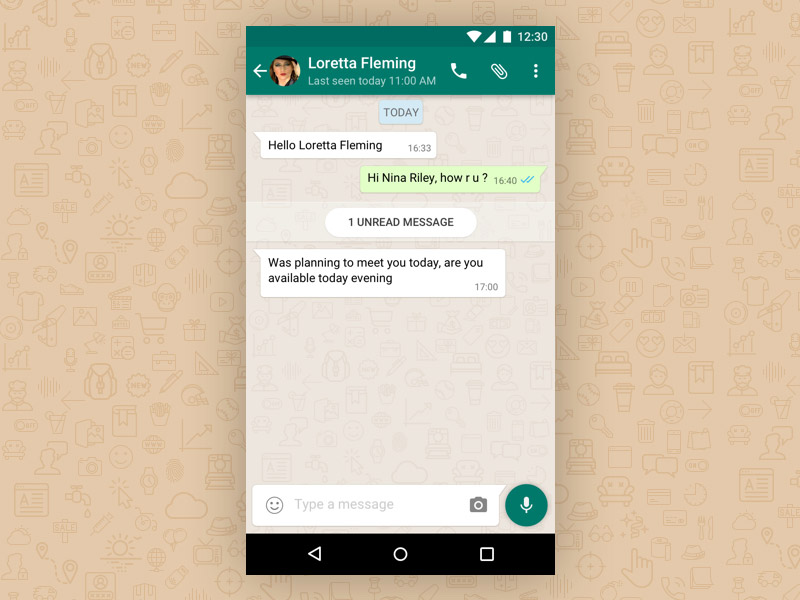
Most users only send messages on WhatsApp, but it can do much more.
Common Problem: Too Many Messages and No Organization
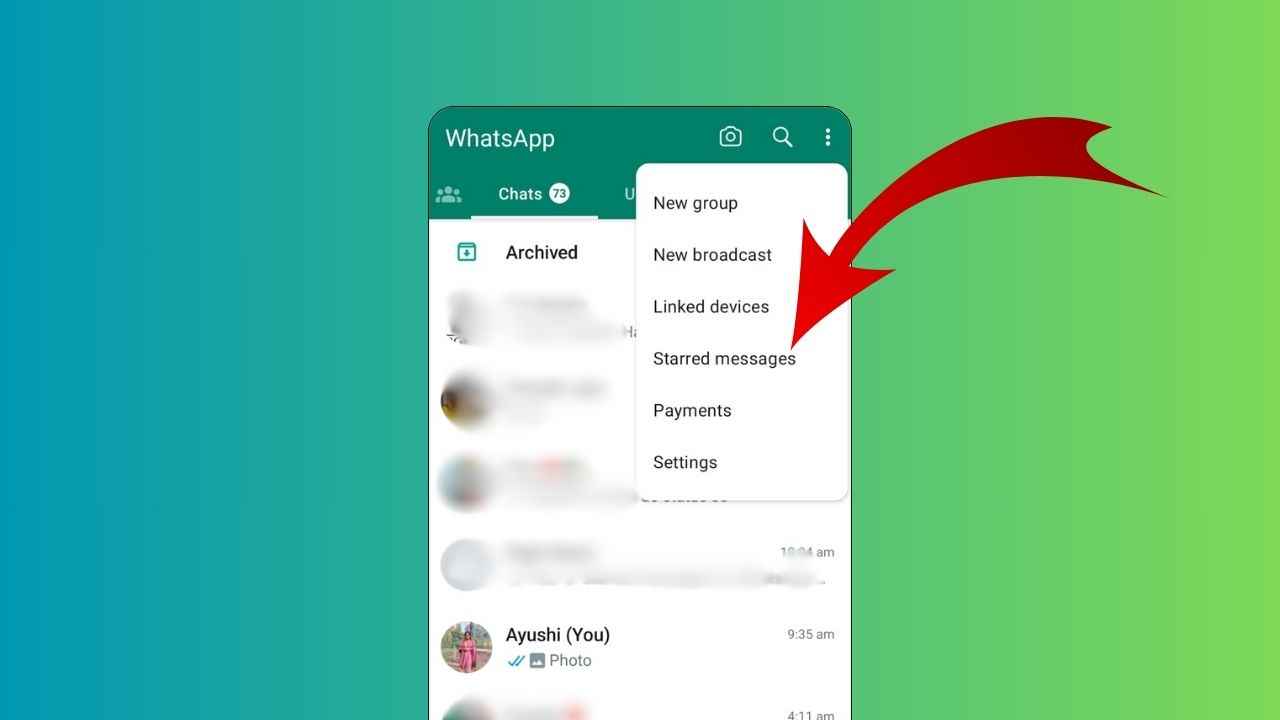
Solution: Use Starred Messages to save important chats. Long-press any message and tap the star icon.
Common Problem: Privacy Concerns
Solution:
Go to Settings → Privacy
-
Turn off “Last Seen”
-
Disable read receipts if needed
-
Control who can add you to groups
Common Problem: Storage Full Due to Media
Solution:
-
Go to Storage and Data → Manage Storage
-
Delete large videos and images
-
Turn off auto-download
By applying these simple changes, WhatsApp becomes cleaner, faster, and more secure.
How to Grow and Manage Instagram Without Stress


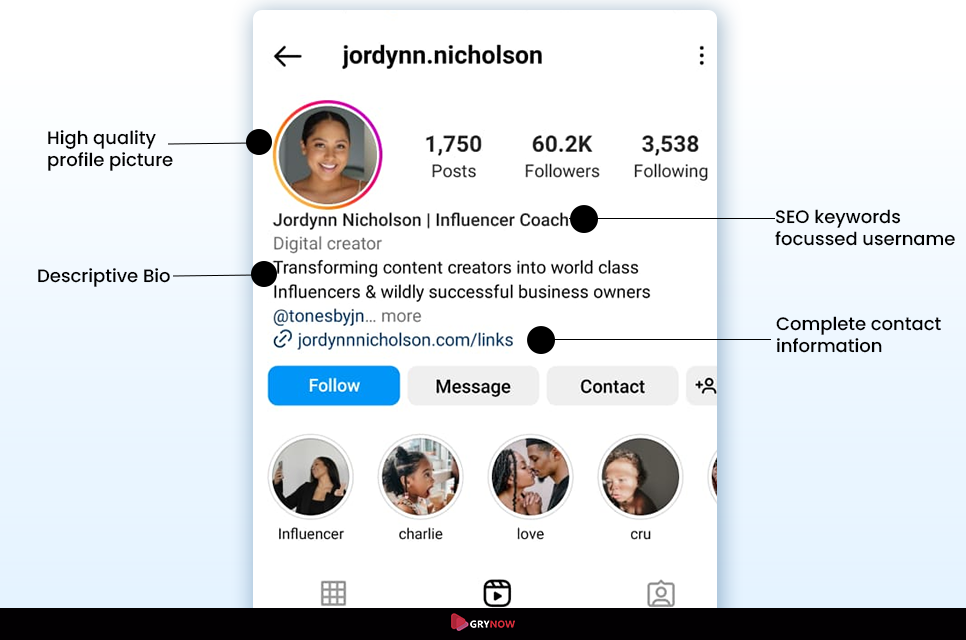
Instagram isn’t just for scrolling—it’s a powerful tool if used correctly.
Common Problem: Low Engagement
Solution:
-
Post Reels instead of only photos
-
Use trending audio
-
Post consistently (3–4 times per week)
Common Problem: Poor Profile Setup
Solution:
-
Use a clear profile picture
-
Write a bio that explains what you offer
-
Add keywords people search for
Common Problem: Time Wasted Scrolling
Solution:
-
Set daily limits in app settings
-
Turn off unnecessary notifications
These steps help you control Instagram instead of letting it control you.
How to Navigate Faster Using Google Maps
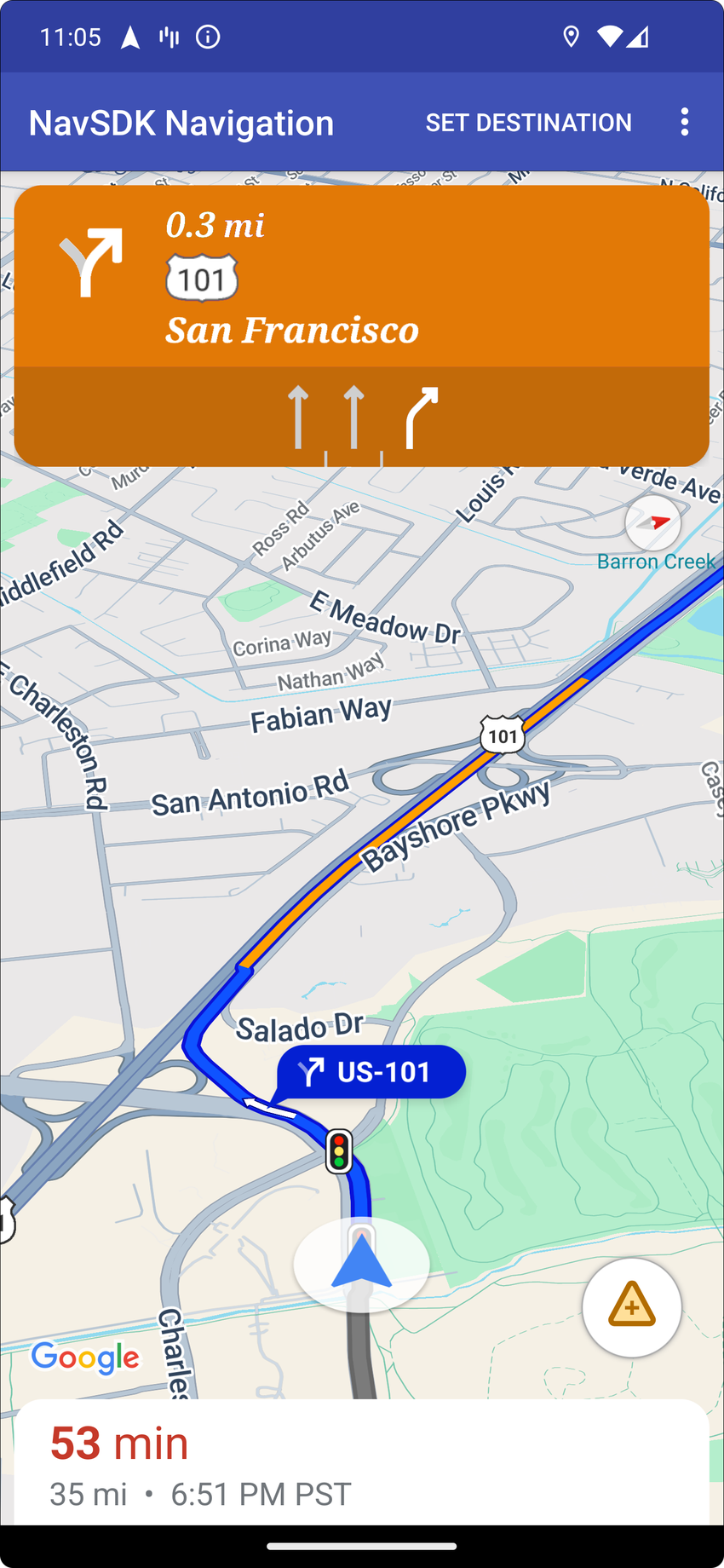
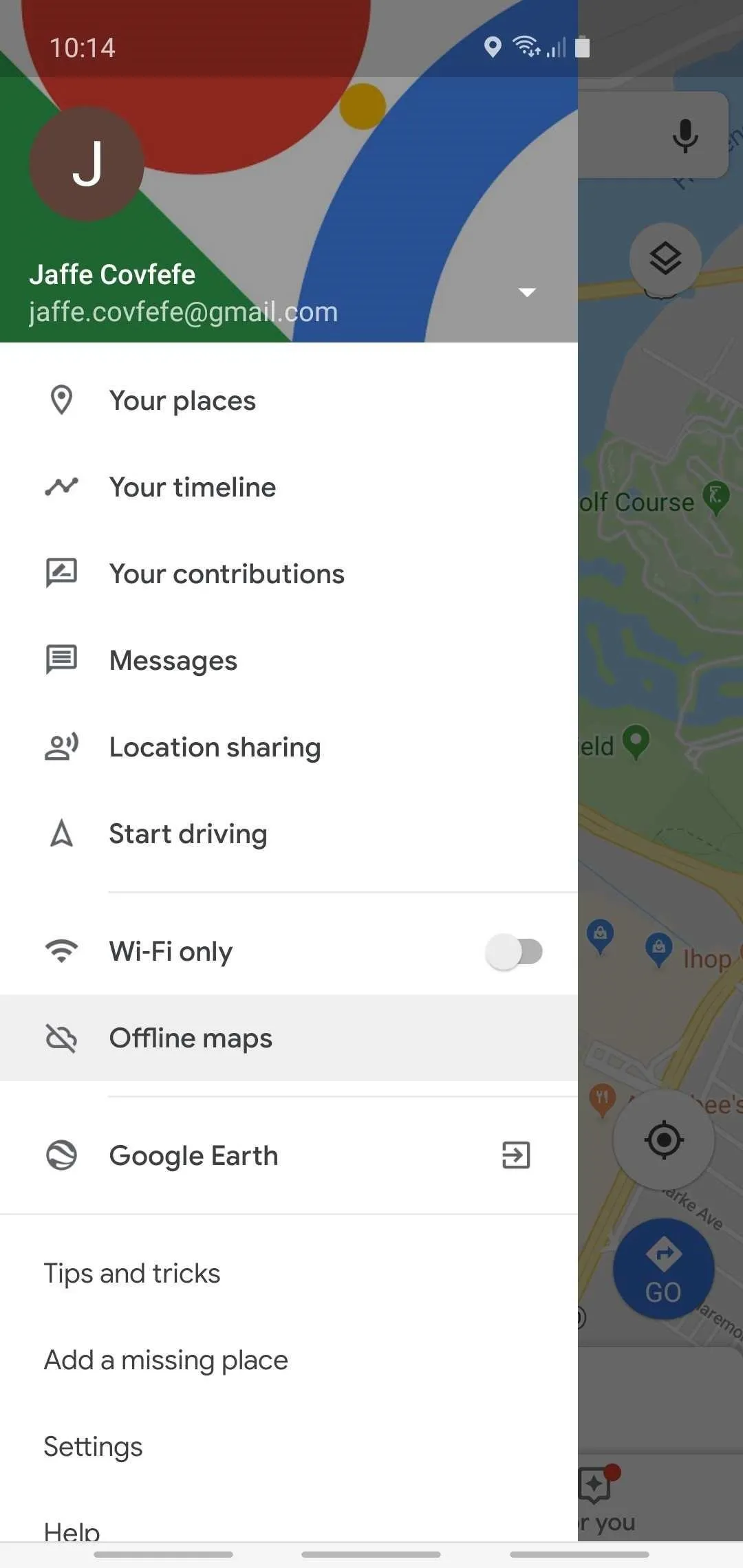

Many users only use Google Maps for directions, but it offers much more.
Common Problem: Getting Lost Without Internet
Solution:
Download offline maps:
-
Open app → Profile → Offline Maps
-
Select your area and download
Common Problem: Traffic Delays
Solution:
-
Enable live traffic view
-
Choose alternate routes
Common Problem: Forgetting Locations
Solution:
-
Save important places (home, work, favorite spots)
With these features, Google Maps becomes a powerful travel assistant—even offline.
How to Stay Organized Using Google Drive
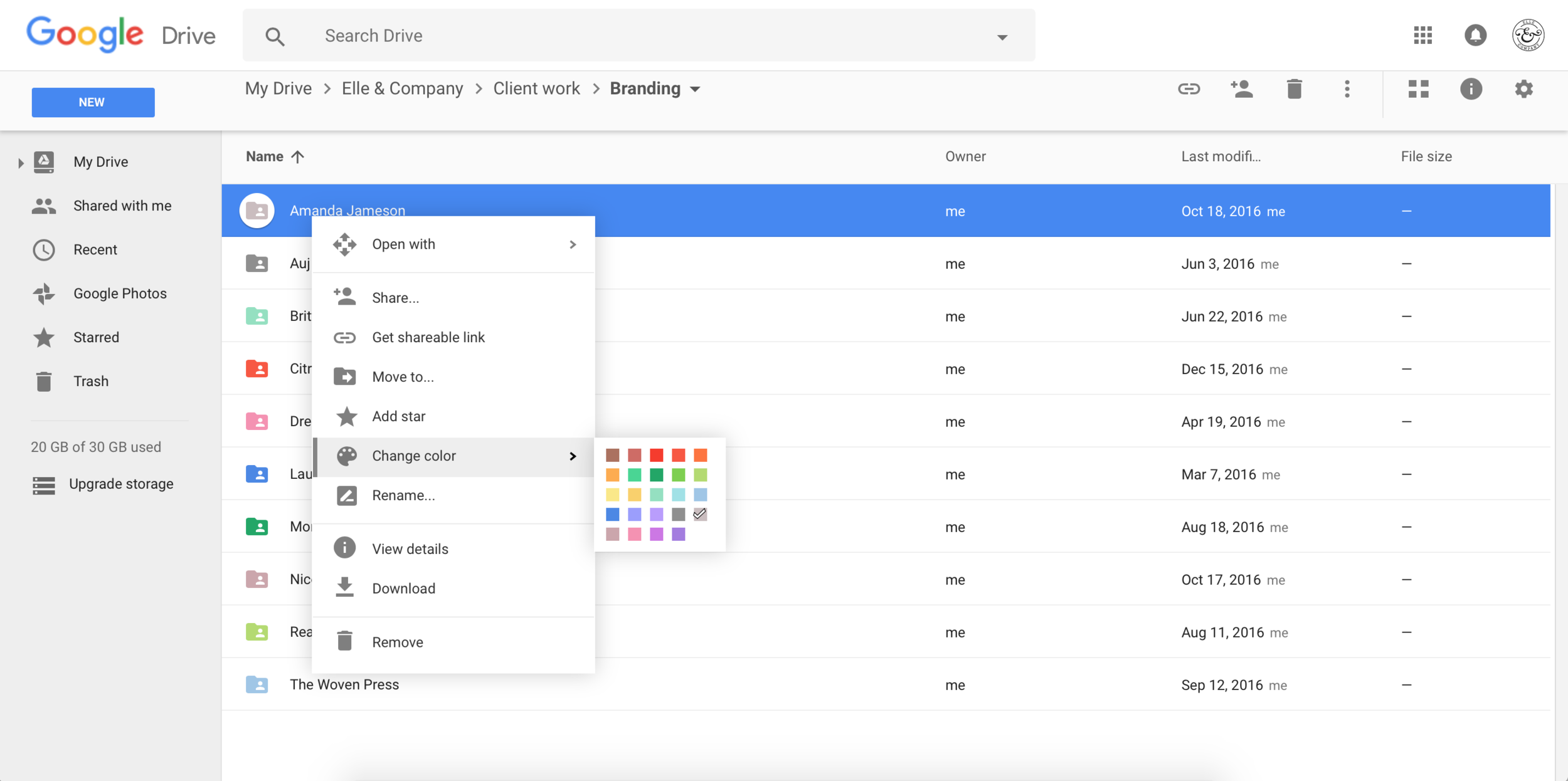

Google Drive is one of the most useful apps, yet many people use it poorly.
Common Problem: Messy Files
Solution:
-
Create folders for categories (Work, Personal, Documents)
-
Rename files clearly
Common Problem: Can’t Find Documents
Solution:
-
Use the search bar with keywords
-
Star important files
Common Problem: Sharing Issues
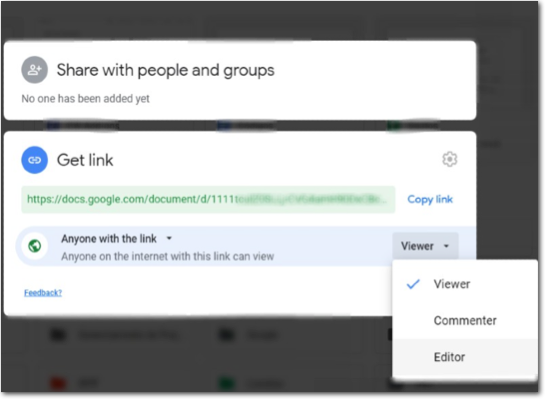
Solution:
-
Set proper permissions (Viewer, Editor)
-
Avoid giving full access unless necessary
This turns Google Drive into a powerful productivity tool instead of a cluttered storage space.
Simple Daily Routine to Master Any App
If you want real improvement, follow this routine:
Day 1: Learn basic features
Day 2: Solve one real problem
Day 3: Explore advanced settings
Day 4: Practice daily use
Day 5: Teach someone else
This method works because it focuses on action, not just theory.
Frequently Asked Questions (FAQs)
1. How long does it take to learn a new app?
Most apps can be understood in 2–3 days if you focus on key features and practice regularly.
2. What is the fastest way to learn apps?
Learn by solving real problems instead of exploring randomly. Focus on tasks you actually need.
3. Why do apps feel confusing at first?
Because they include many features. Without guidance, it’s easy to feel overwhelmed.
4. Should I update apps regularly?
Yes. Updates fix bugs, improve performance, and add useful features.
5. Can I master multiple apps at once?
It’s better to focus on one app at a time to avoid confusion and burnout.
Conclusion: Turn Apps Into Tools, Not Distractions
Apps are meant to make your life easier—but only if you know how to use them properly. By focusing on real problems, applying step-by-step solutions, and practicing consistently, you can turn any app into a powerful tool.
Start small. Pick one app—whether it’s WhatsApp, Instagram, or Google Drive—and apply what you’ve learned today. Within days, you’ll notice a huge difference in your confidence and productivity.
Mastering apps isn’t about being tech-savvy. It’s about being intentional.